Description
Multi-Site Management Software for up to 10 DAVICOMS
DavNet is an ideal solution for management of multi-site network of Davicom units. It is a Windows-based software that can be used by network operators to collect and manage the alarm calls sent by remote monitoring units in large distributed systems to Network Operating Centres (NOCs). It can also be used to ensure network integrity by communicating at fixed intervals with Davicom units to confirm they operate correctly.
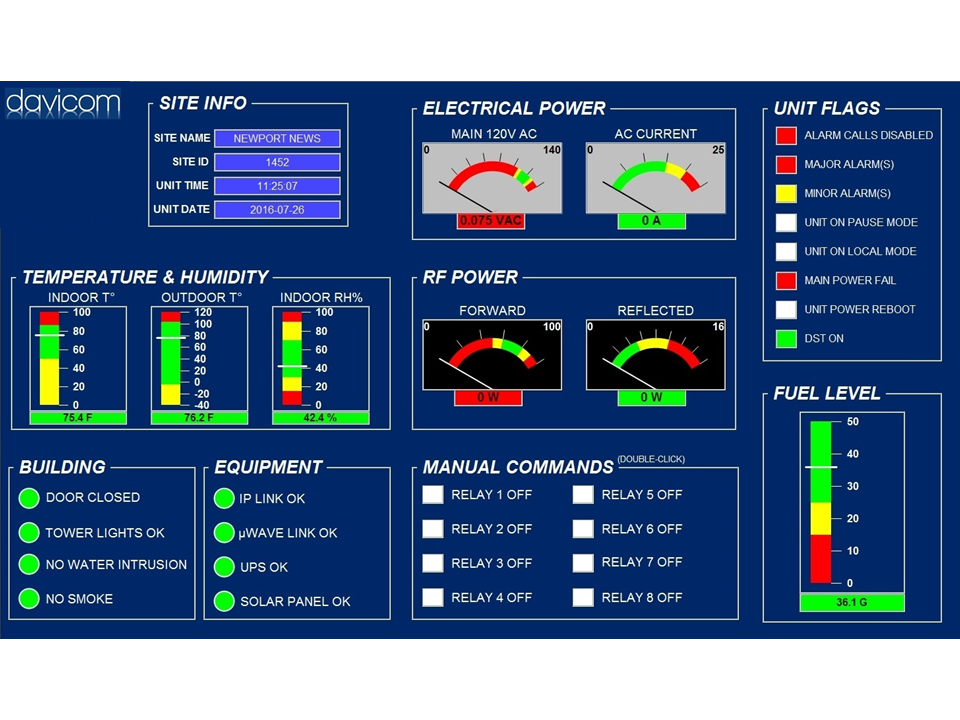
DavNet has been developed to allow large network operators to make quicker and better decisions on what to do if problems occur on their network. With DavNet, situations at individual sites can be identified and corrected quickly and efficiently, saving you time and money. Even non-technical operators will understand the graphical information display provided by DavNet. This allows them to correct simple problems themselves, and contact technically qualified personnel only for problems requiring higher levels of expertise.
Display features
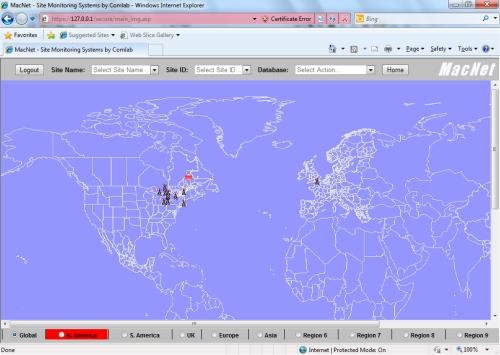
- In addition to the global view, up to 9 regions can be viewed individually on separate screens (MapInfo or BMP map files can be used);
- Black towers represent sites operating normally;
- Red dots indicate a major alarm;
- Yellow dots indicate a minor alarm;
- Blue dots indicate a report (complete system status) has been received;
- Yellow dots indicate a minor alarm;
- Green dots indicate a return to normal;
- Dots are replaced by normal black towers once corresponding events are archived.
Database features
DavNet not only provides details about your remote sites but this data is stored in a Microsoft Access-compatible data base.
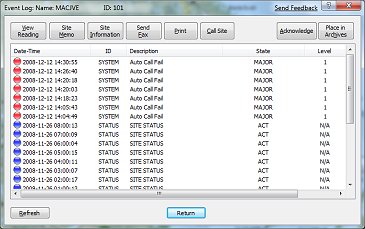
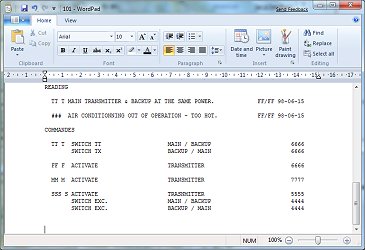
- “View Reading” allows operators to view the full alarm message including levels and status of all Inputs / Outputs.
- “Site Schematics” can display equipment layouts and schematics to obtain a dynamic functional block overview of any particular site. Schematics can be imported as DFX files from a CAD system and stored in the database.
- “Site Memo” allows engineers/technicians to make personal notes related to a specific site which can provide an information flow between different duty personnel. In addition, the user can open a “Site Information” file for each location which can store details such as station ID, frequencies, contact numbers, equipment model and serial numbers, etc.
- The active events log can be printed or faxed to various personnel.
- “Call Site” allows personnel to get additional information from a remote control unit in order to solve problems.
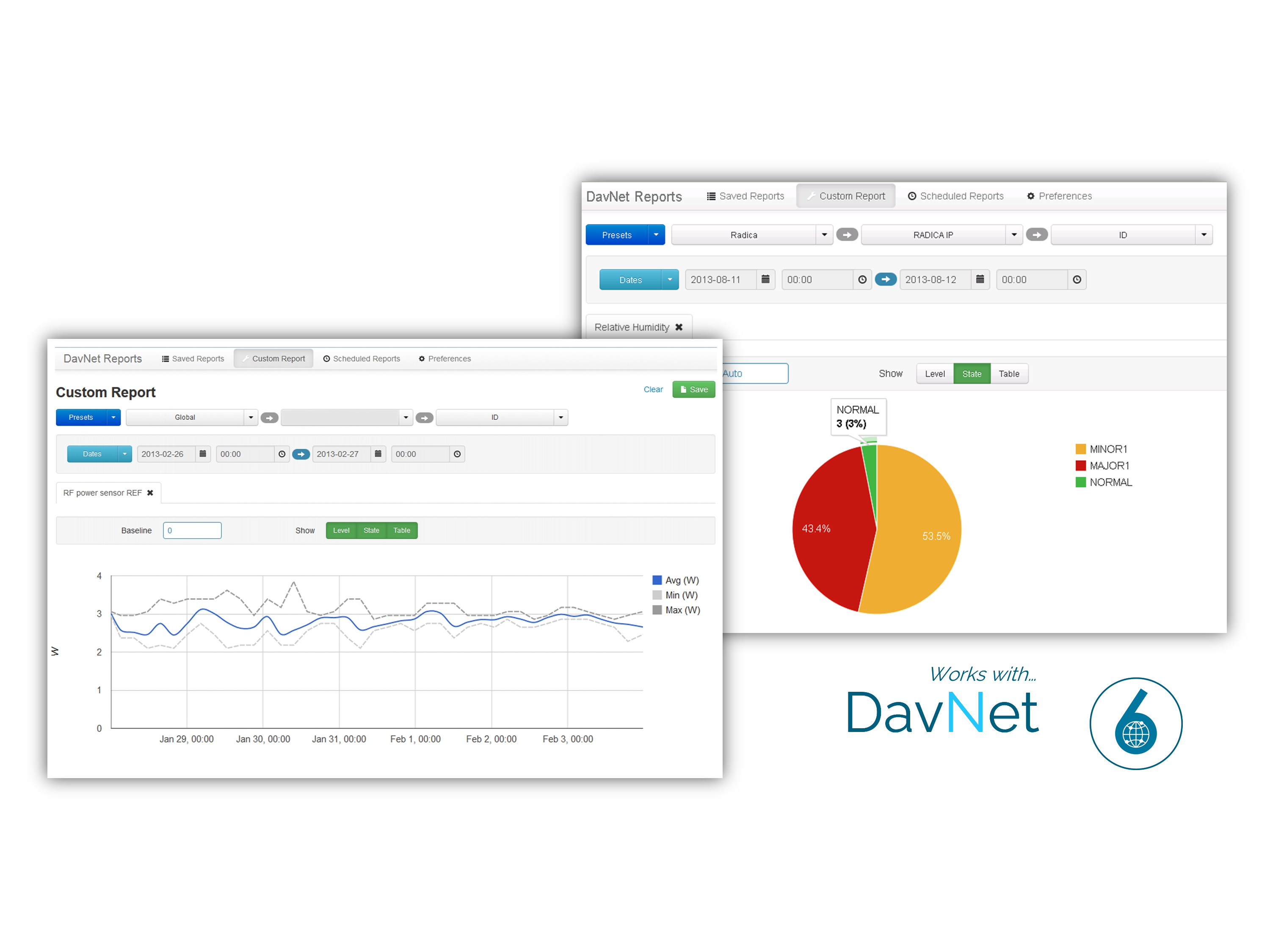
- Once alarm calls are acknowledged, they can be archived in the database, where they can later be accessed and exported. Status reports in the history log can also be archived.