Description
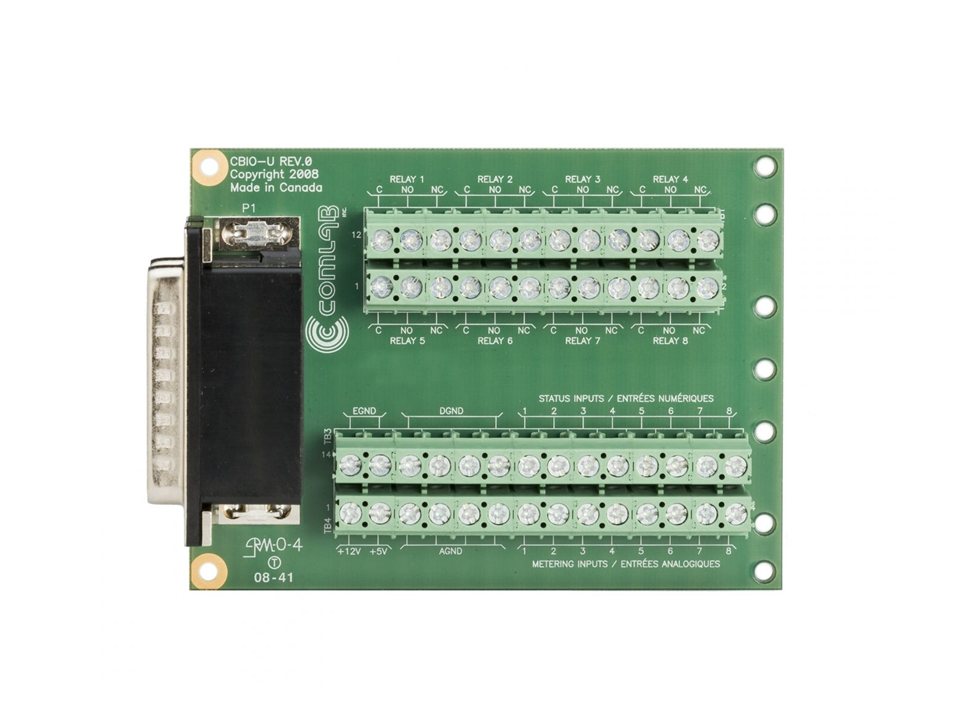
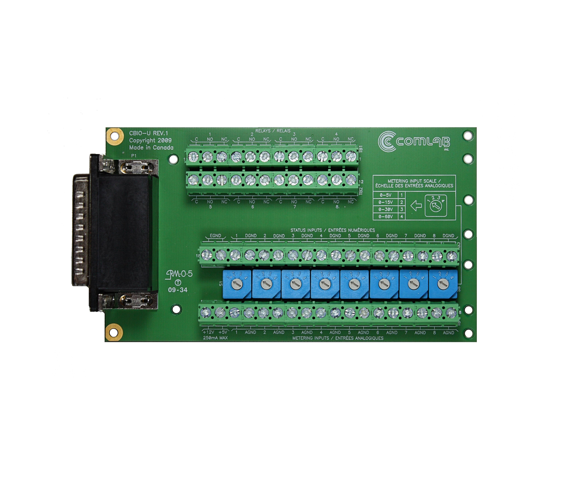
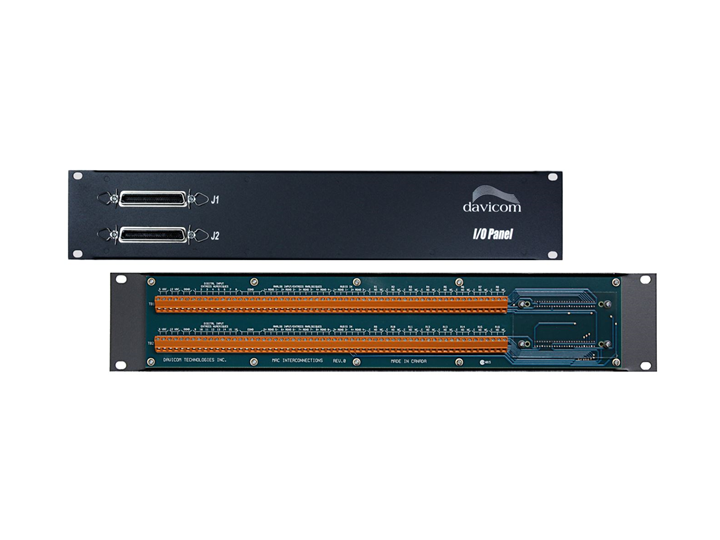
The Davicom I/O Panels (Weidmuller terminals) represent a neat and convenient way to connect to the back of your units.
Note that older MiniMAC+ models (black front panel) do not require any I/O Panel.
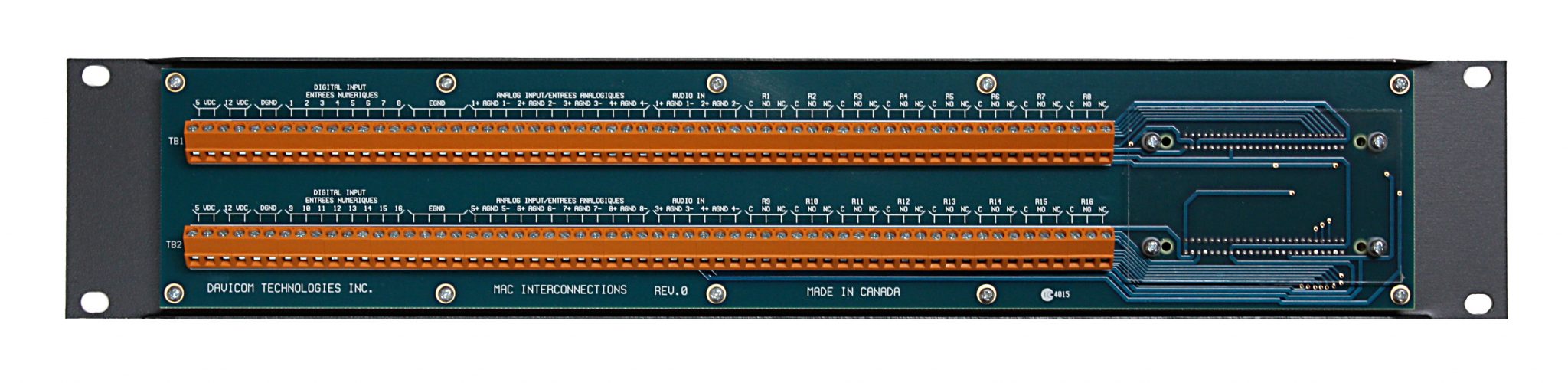
- 2RU rack-mount breakout panel with all unit signal connections;
- Minimizes connection errors since I/O signals (input, output and relays) are easily accessed and clearly marked on the panel;
- Facilitates troubleshooting of wiring problems;
- Includes a ready source of 5 and 12 VDC.
One Mac I/O Panel is required for each pair of 50-pin Champ connectors at the back of your Davicom unit. Thus, MAC8, DV-208 and DV-Mini models require one I/O panel. MAC16 and DV-216 models require two I/O panels. MAC24 models require three I/O panels and MAC32 models require four I/O panels.
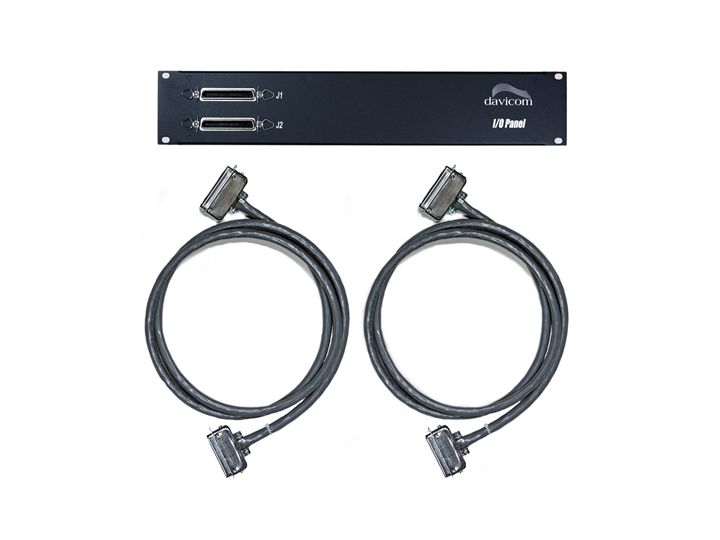
You can connect your own wiring harnesses to the MAC I/O Panel, or purchase Davicom soldered cables up to 15-meters long with various connectors (straight-straight, straight-angle, straight-pigtail), thus saving you the trouble of making up your own 25-pair cables.
Note that Davicom I/O Panels are also offered as part of a kit that includes standard 2-meter Cables with straight-straight connectors (refer to the Davicom Input/Output Kit).
In North America, if you purchase Davicom units with the package option (Model Number ending with /P), Davicom I/O Kits will already be included at a discounted price.